Neovim is my terminal text editor. it’s a fork of Vim with better plugin support, built-in LSP and Lua configuration.
Taking CS2030 in my second semester of uni irreversibly changed my life and made me infinitely more annoying because it: 1. introduced me to java and 2. introduced me to Vim. I love vim motions and try to use them wherever I can (the ability to do this within Obsidian and not Notion was very appealing). Honestly top-2 favorite mods I’ve taken at NUS. Neovim gives me a really comfortable environment to code in within my terminal, and I’m a really big fan of the plugins. This was my first order of business when I was setting up my dev environment on my work laptop and it’s been awesome so far.
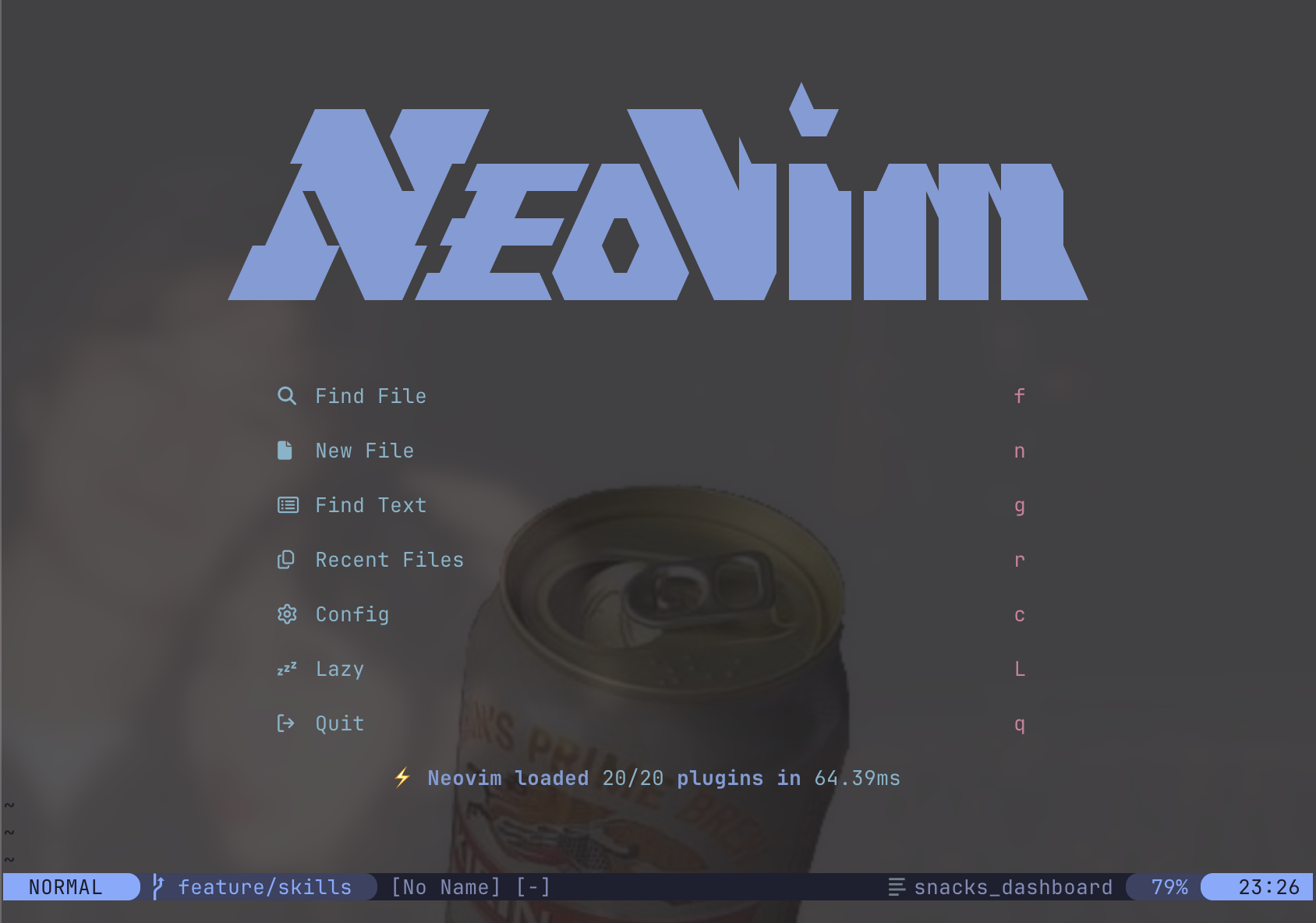
edit (07/04/26): might try out new ascii art!
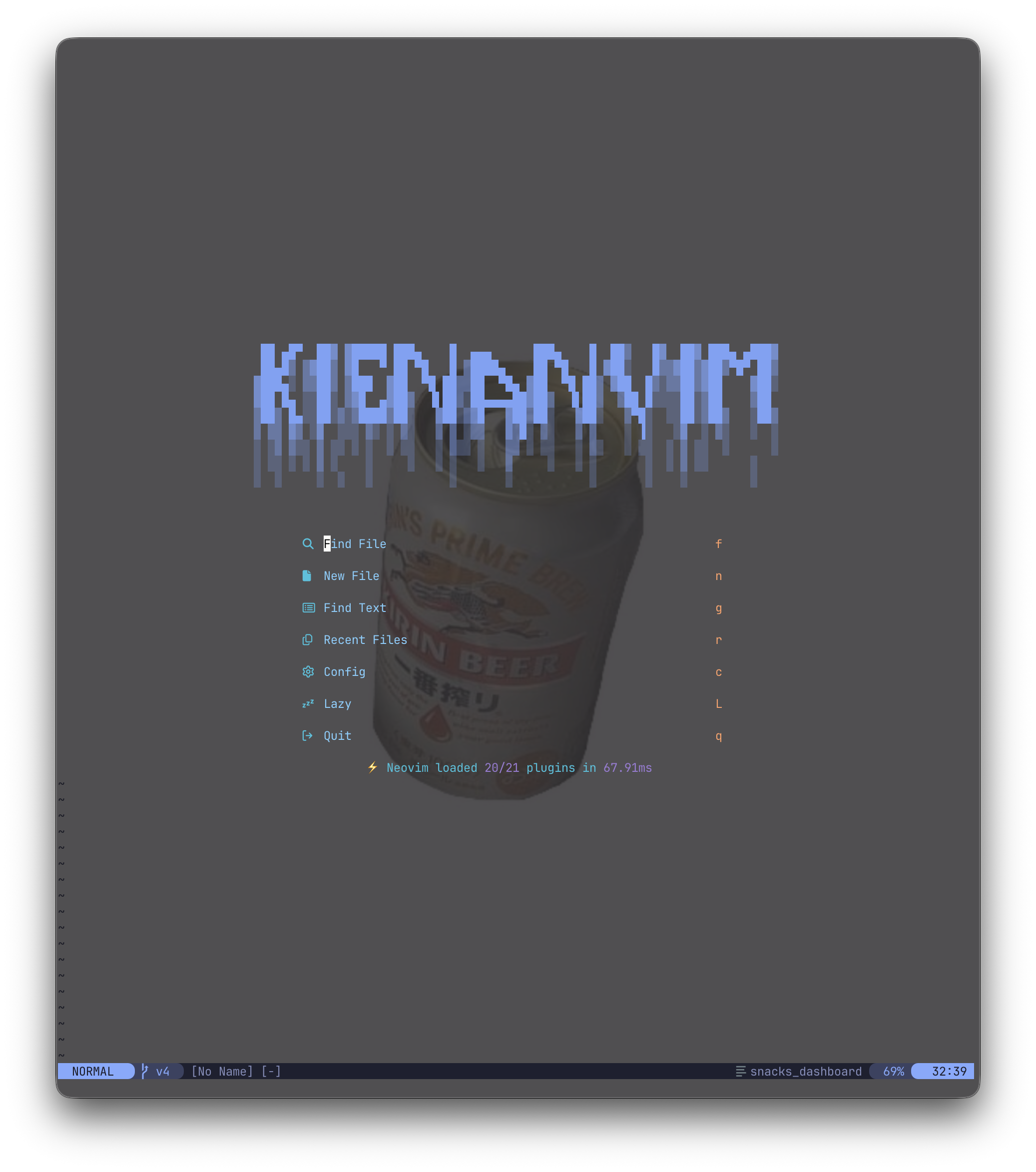
Config Structure
~/.config/nvim/
├── init.lua             # Entry point, sets leader key
├── lua/kienanana/
│   ├── lazy_init.lua          # Lazy.nvim setup
│   ├── remap.lua              # Keybindings
│   ├── set.lua                # Editor options
│   └── lazy/                  # Plugin configs
│       ├── kanagawa.lua       # Colorscheme (active)
│       ├── tokyonight.lua     # Colorscheme (available)
│       ├── neotree.lua        # File explorer
│       ├── telescope.lua      # Fuzzy finder
│       ├── lsp.lua            # LSP config
│       ├── cmp.lua            # Completion
│       ├── mason.lua          # LSP installer
│       ├── lualine.lua        # Statusline
│       ├── snacks.lua         # Utilities
│       ├── tmux-navigator.lua # tmux integration
│       └── treesitter.lua     # Disabled
Plugins
Core
- lazy.nvim - Plugin manager
- kanagawa - Colorscheme (transparent, custom green cursor line)
- lualine - Statusline (tokyonight theme)
Navigation & Files
- neo-tree - File explorer (width: 32, follows current file)
- telescope - Fuzzy finder (files, grep, buffers, help)
- vim-tmux-navigator - Seamless vim/tmux navigation
LSP & Completion
- nvim-lspconfig - LSP client (lua_ls, pyright, tsserver)
- nvim-cmp - Completion engine
- mason + mason-lspconfig - LSP server installer
Utilities
- snacks.nvim - Dashboard, scratch buffers, lazygit, file picker, explorer
- LuaSnip - Snippet engine
Disabled
- treesitter - Currently disabled
Essential Keybindings
Leader key: space
File Management
<leader>e- Toggle Neotree<C-p>- Snacks file picker<C-n>- Snacks explorer<leader><leader>- Recent files
Telescope
<leader>ff- Find files<leader>fg- Live grep<leader>fb- Buffers<leader>fh- Help tags
tmux Navigation
<C-h>- Left<C-j>- Down<C-k>- Up<C-l>- Right
LSP
K- Hover docs<leader>gd- Go to definition<leader>gr- References<leader>ca- Code actions<leader>rn- Rename<leader>gf- Format
Completion
<C-Space>- Trigger<CR>- Confirm<Tab>- Next<S-Tab>- Previous
Git (Snacks)
<leader>lg- Lazygit<leader>gl- Lazygit log
Scratch
<leader>sf- Toggle scratch<leader>S- Select scratch
Built-in Search & Jumps
- Search for a Specific Word: Press
/followed by the word and thenEnter.- Use
nto jump to the next occurrence andNfor the previous one.
- Use
- Jump to Word Under Cursor: Place your cursor on a word and press
*to search forward or#to search backward for the same word. - Line-based Character Search: Use
ffollowed by a character (e.g.,ft) to jump forward to the next instance of that character on the current line.- Use
;to repeat the jump forward and,to repeat it backward. - Use
Fto jump backward on the line.
- Use